Runway launches App Studio: describe a creative tool in plain language and get a custom app that runs Runway's image, video and audio models on your Brand Kits
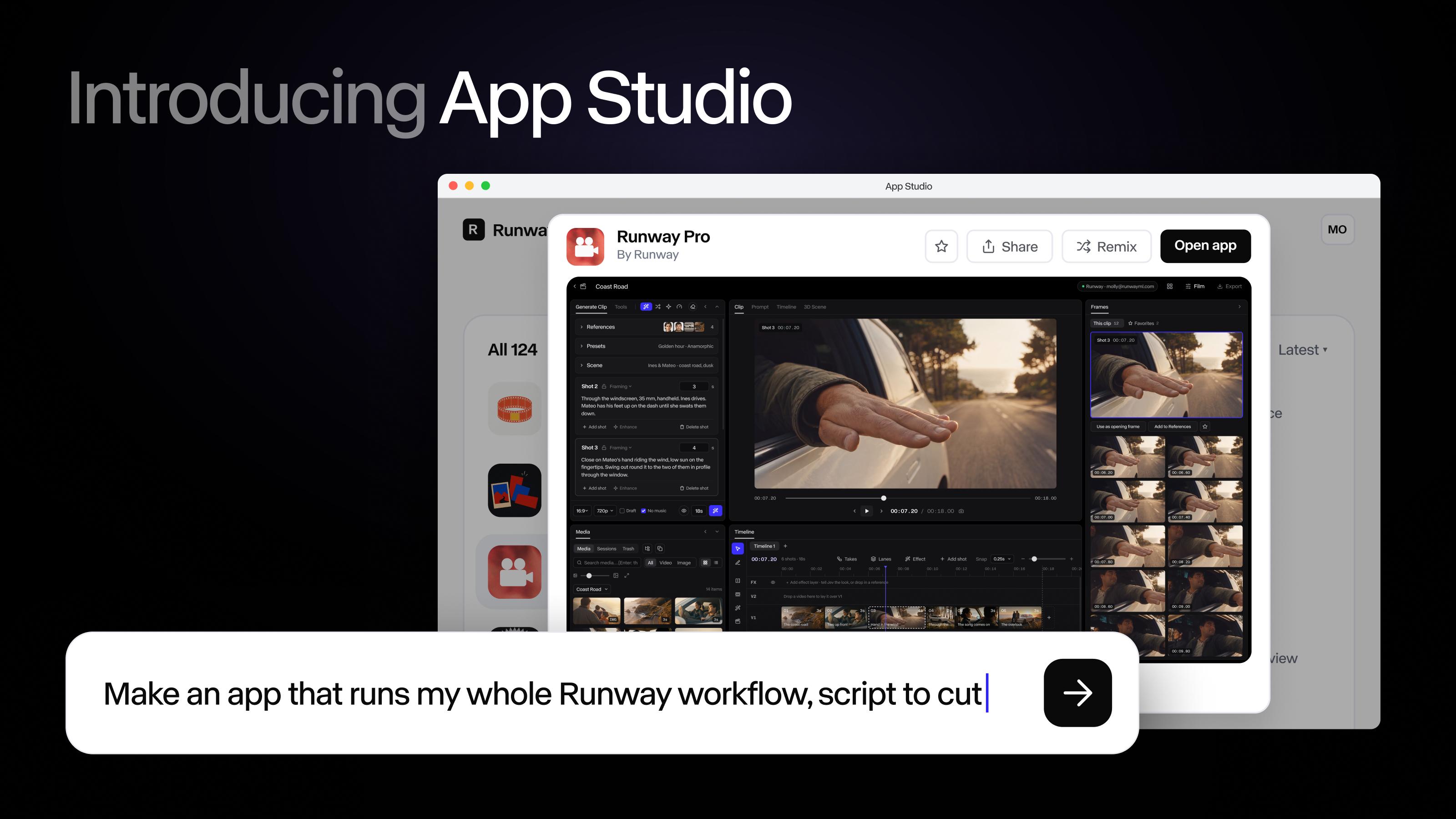
In an Oct 26 post on its blog, Runway launched App Studio: describe the tool you want in plain language and App Studio writes, tests and deploys an app with its own interface that generates images, video and audio with Runway's models, using your team's Brand Kits, Workflows and Assets. An existing Agent session or Workflow can be turned into an app in one click. Apps are private by default and can be shared with a team or published as a public link that visitors run on their own credits. Built-in apps at launch include Character Swap, AutoComp and 3D Camera Control. It is available now on every paid plan at no extra charge, drawing on existing Runway credits.
Key Takeaways
- Pricing: available now on every paid plan with no add-on; building, running and hosting draw on existing Runway credits, and visitors to a public link pay for their own generations
- Six built-in apps at launch: Character Swap, AutoComp (swap a product into footage while keeping packaging accurate), Product Portfolio, 3D Camera Control, Precise Edit and a customizable Runway Pro, each usable as is or remixable
- One-click conversion: an existing Agent session or Workflow can lock in its prompt, model chain and settings and become an app that exposes only the inputs teammates need; the code stays visible, with preview and rollback
- Enterprise controls: apps inherit the account's model controls, admins can turn App Studio off per workspace, block public links and see usage across all apps; Enterprise app links require a Runway sign-in
- Early access (per Runway): architecture firm KPF built an app that turns design renderings into directed camera-move video, and design partners built dozens of custom apps
Linked Models & Agents: