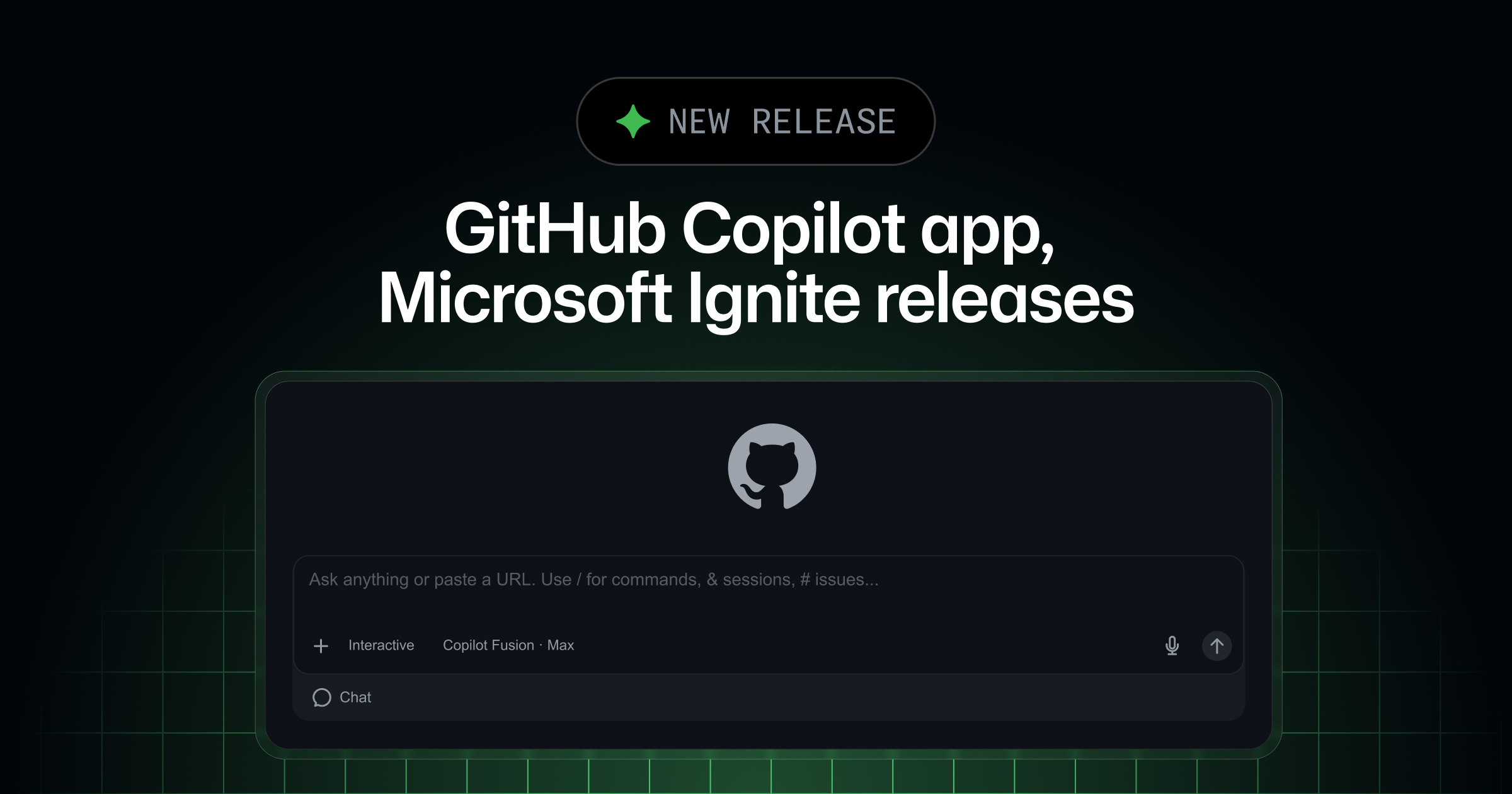
During Microsoft Ignite on November 17, GitHub shipped a batch of Copilot updates. Paired with the new GitHub Copilot extension for Chrome, browser use is in public preview in Copilot CLI, the Copilot app, VS Code and JetBrains, so agents can fill out forms, read pages and test or debug the web app you are building in your signed-in Chrome or Edge. It runs in an isolated tab group and is off by default. The Copilot app adds Azure DevOps integration in public preview: clone a repo, have an agent branch, change code, open a pull request and address review comments. GHES support is now generally available. Copilot code review adds Adaptive, which picks review depth by pull request risk, plus secret detection, and code review for Azure Repos is now generally available.
Key Takeaways
- ✓Browser use (public preview): with the GitHub Copilot extension for Chrome installed, Copilot CLI (enable via /plugin), the Copilot app, VS Code and JetBrains can drive Chromium browsers such as Chrome and Edge in an isolated tab group; it is off by default and permission levels live in the extension settings
- ✓Copilot app plus Azure DevOps (public preview): clone an Azure DevOps repo, have an agent branch, change code and open a pull request, track it in the sidebar, click Fix on a review comment, or turn on agent merge to fix CI and complete the pull request once policies pass; cloud sessions are not available for Azure DevOps repos
- ✓GHES: GitHub Enterprise Server support in the Copilot app is now generally available in version 1.2.0 or later
- ✓Code review: Adaptive picks Lite, Balanced or Max per pull request based on complexity and risk, and cross-repository context and secret detection arrive in public preview
- ✓Copilot code review for Azure Repos is generally available: turn it on per organization, project or repository, request reviews automatically via branch policy, and pay in GitHub AI credits billed to the linked Azure subscription
Key Decision Metrics at a Glance
Turn your technical choice into a development budget
Compare 40 dev plans & simulate token costs vs $20/mo subscriptions
Project Links & Resources
Direct AccessIn-Depth Technical Analysis
Background
Coding agents write code well, but a lot of work still happens in the browser (signed-in admin pages, forms, the web app you are building), and plenty of enterprise code lives on Azure DevOps or self-hosted GHES rather than github.com. GitHub used Microsoft Ignite on November 17 to ship Copilot updates aimed at exactly these gaps.
How it works
The new GitHub Copilot extension for Chrome connects agents to your signed-in Chromium browser, where they open pages, read content, click buttons and fill forms in an isolated tab group, alongside computer use. It is off by default and permissions are set in the extension. The Copilot app's Azure DevOps integration takes an agent from cloning a repo to completing the pull request, including Fix on review comments and agent merge to repair CI.
Numbers that matter
No benchmark results came with these updates. Code review's new Adaptive mode chooses Lite, Balanced or Max for each pull request based on complexity and risk, and secret detection combines more than 500 known secret formats with AI detection.
What it means for developers
Browser use: install the extension, then enable it with /plugin in Copilot CLI or the Browser Use setting in the app, VS Code or JetBrains. Azure DevOps: turn on the integration under Settings > Experimental in the app and add your Microsoft account; cloud sessions are not supported yet. Code review for Azure Repos is generally available, can be requested automatically through branch policies, and is billed to your Azure subscription.
Benchmark side-by-side against alternatives, or calculate monthly token cost vs subscription break-even.
Discussion & Comments
0Sign in to join the discussion
Connect with AI developers to exchange benchmark insights.