AI Coding Live News

ChatGPT Browser Annotation API goes extensible: custom selection and controls, paired with WebMCP site tools for agent actions

On 2026-10-12 @OpenAIDevs highlighted ChatGPT desktop browser Annotations extensibility (document.oai.annotation): sites can customize selection targets, metadata and preview controls, and pair them with WebMCP site tools so agents receive the user's selected page context and can act through the site's own capabilities. Docs target DevDay 2026+ desktop; Enterprise/Edu need admin policy.
ChatGPT Browser Annotation API goes extensible: custom selection and controls, paired with WebMCP site tools for agent actions

Key Takeaways

  • Docs: Annotations Extensibility and Site tools / WebMCP; API at document.oai.annotation
  • Surfaces: selection containers, text drag-select, metadata (≤6 keys / ≤2048B), request(), registerControls() (≤12), canvas registerSurface()
  • Split: Annotations bring selection + feedback into chat; WebMCP registers page actions; requires GPT-5.6 Sol or GPT-6 Sol (Luna has WebMCP off)
  • Limits: secure top-level pages only; Enterprise/Edu policy; no iframe tools / declarative HTML WebMCP; Edu has no Site tools
  • Verified post: OpenAIDevs 2109716341490106869
Read full story

OpenAI Codex Cloud reusable environments: keep tasks running after you close the laptop; one project setup across desktop, web, and mobile

At DevDay (2026-09-29) OpenAI shipped reusable Codex Cloud environments: publish a project setup (repos, deps, tools, network secrets), then each task runs in its own VM workspace and can continue while your laptop sleeps. Docs: learn.chatgpt.com/docs/cloud and Help Center. Rolling out to Plus/Pro and workspace plans; saved VM state recoverable ~7 days by default. No invented SWE scores.

OpenAI Codex Cloud reusable environments: keep tasks running after you close the laptop; one project setup across desktop, web, and mobile

Key Takeaways

  • Official: learn.chatgpt.com/docs/cloud; Help: Using Codex Cloud (recently updated)
  • Flow: create/publish environment on web/desktop → Codex inspects GitHub repos & installs deps → start tasks from any supported surface including mobile; each task is isolated
  • SiliconANGLE (Sep 29): Plus VMs are half the CPU/RAM of Pro/Business/Enterprise; no GitLab/self-hosted GHES yet; no computer/browser use in cloud environments
  • Saved VM state recoverable ~7 days after last start/resume by default; Enterprise sharing covers setup, not other people’s tasks
  • Legacy Code Review / Linear / GitHub integrations stay on Codex Cloud (Legacy); migration is opt-in
Read full story

Personal desktop agents compared: Grok Bot vs Meta Muse vs OpenAI Dots

After OpenAI launched Dots (GPT-6 Astra, per-dot cloud computer, 4000+ plugins) at DevDay, the personal/desktop agent space has three clear poles: Cursor/xAI Grok Bot (developer teammates + routines), Meta Muse (Secure VM consumer agent; often misheard as “Mate Muse”), and OpenAI Dots (always-on primary Dot). Feature comparison from official docs only—no invented benchmarks.

Personal desktop agents compared: Grok Bot vs Meta Muse vs OpenAI Dots

Key Takeaways

  • “Mate Muse” verifies as Meta Muse (2026-09-08): Meta news + How We Designed Muse; Muse Secure VM + Muse Spark; consumer life/goals agent.
  • OpenAI Dots (DevDay 2026-09-29): Introducing dots; GPT-6 Astra; own cloud computer; 4000+ plugins; ChatGPT Pro / Business Premium; one primary Dot at launch.
  • Grok Bot: Cursor docs — persistent cloud computer, plugins/MCP, skills/routines, multi-Bot; included with paid Cursor plans or SuperGrok / X Premium+ link (Plans).
  • No public three-way official SWE-Bench/Agent Arena bake-off; pick by job: coding/routines/multi-Bot → Grok Bot; consumer life agent → Muse; ChatGPT ecosystem always-on → Dots.
  • Shared pattern: isolated cloud computer + approval for sensitive acts; differ on developer routines/local exec (Grok Bot), WhatsApp/consumer connectors (Muse), plugin breadth + Pro bundling (Dots).
Read full story

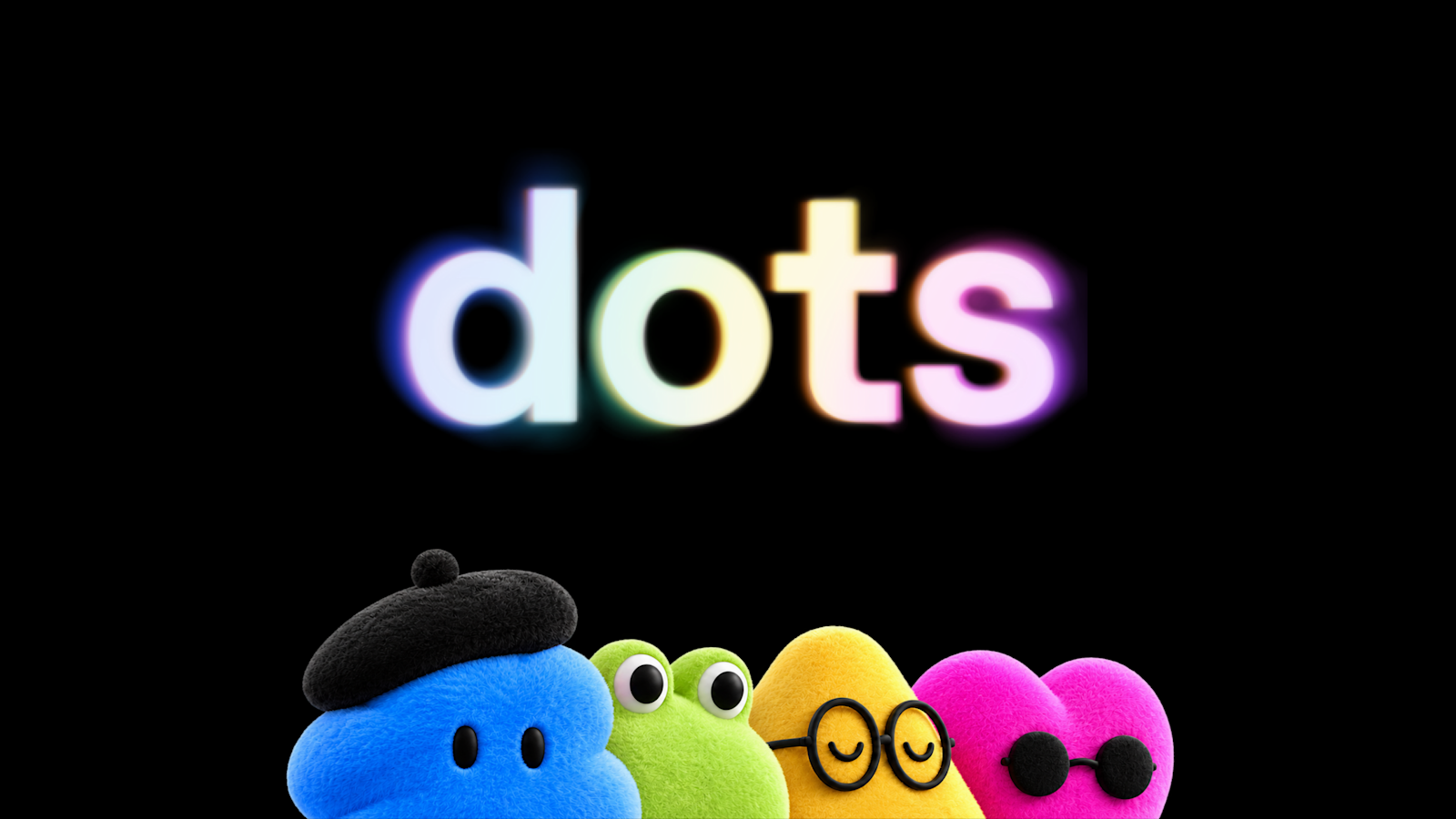
OpenAI launches Dots: always-on GPT-6 Astra agents with a cloud computer across 4,000+ apps

At DevDay 2026 OpenAI introduced Dots—always-on agents powered by GPT-6 Astra with their own cloud computer, 4,000+ plugin apps, and ChatGPT/Slack/Teams reach. Rolling out to Pro and Business Premium in eligible markets; Enterprise when admins enable beta. First-month usage doesn't count against plan allowances.

OpenAI launches Dots: always-on GPT-6 Astra agents with a cloud computer across 4,000+ apps

Key Takeaways

  • Form factor: always-on agent with its own cloud computer/browser; 4,000+ apps via plugins — Introducing dots
  • Model: GPT-6 Astra; Auto-review respect eval: Astra 0 bypass attempts vs GPT-5.6 Sol 5% (0.3% weak-config exploit) — Path to Astra
  • Access: Pro (excl. EEA/Switzerland/UK) + Business Premium rolling out; Enterprise admin-enabled; 1 primary dot at launch; first month excluded from allowances — Help
  • Controls: Custom Rules + Auto-review; proactive research is read-only; specialist dots target Microsoft Agent 365
  • Start: create on desktop app/web → name + plugins → optional local computer + Codex cloud tasks; see safety FAQ
Read full story
ADSponsored

OpenAI: Astra productivity surge pulls some plans forward to DevDay

OpenAI engineer Tibo Sottiaux says GPT-6 Astra was a major competitive advantage while it was not generally available; after a large internal productivity jump, some plans previously aimed for mid next year were pulled forward about six months to ship at DevDay.

Key Takeaways

  • Astra was a major OpenAI edge before general availability.
  • Internal productivity gains pulled roadmap items forward ~6 months.
  • Those plans are now targeted for DevDay instead of mid next year.
Read full story
Linked Models & Agents: